Example 17: Import a Field II Transducer
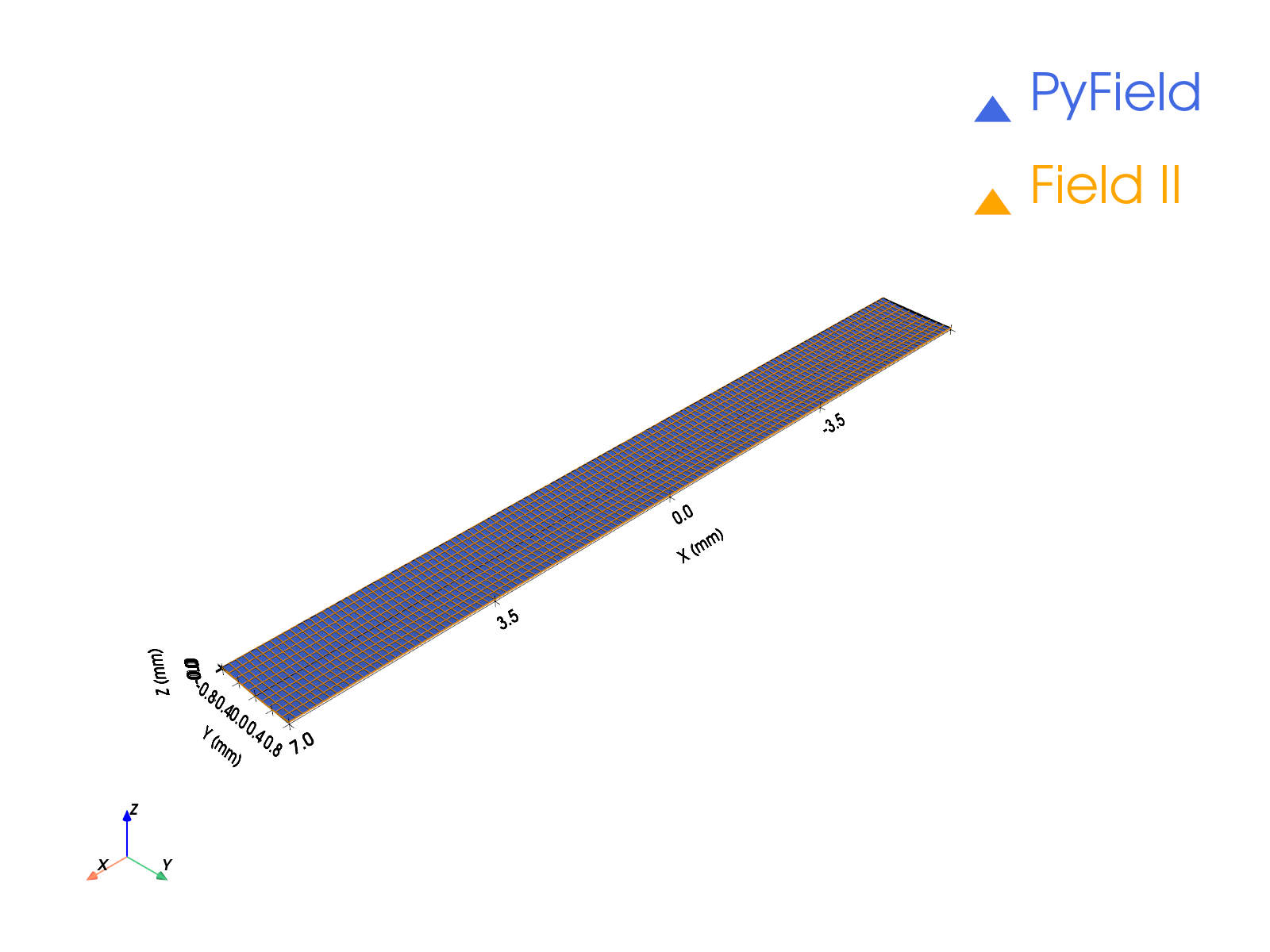
Turns a probe exported from MATLAB Field II (xdc_get(Th, 'rect')) into a
native eSDIva transducer. Per-element apodization and delays from the
export are preserved exactly; the imported aperture can then be focused,
visualised, and used in any Emission / Reception simulation.
What you will learn
- The one-line MATLAB export:
geom = xdc_get(Th, 'rect') - Inspecting
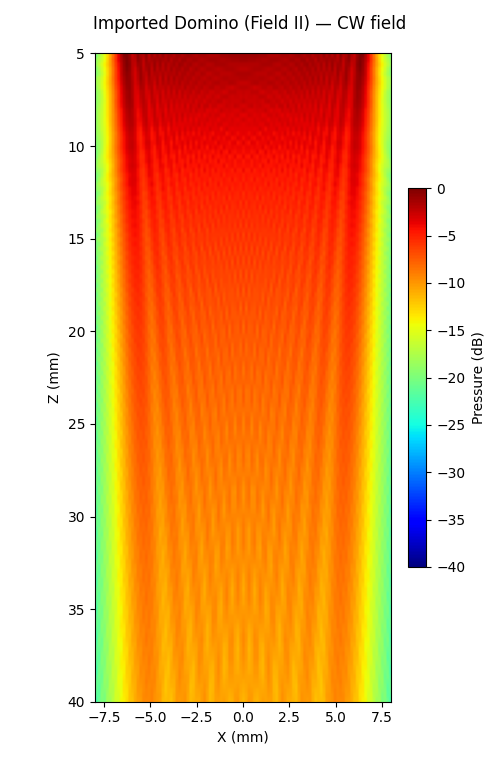
.matfiles withesdiva.utilities.explore_mat from_fieldii_rect_data→FieldIITransducer- Electronic focusing and CW simulation of the imported probe
Output
Run it
Key code
import scipy.io
from esdiva.emission import Emission
from esdiva.transducers import from_fieldii_rect_data
from esdiva.utilities import explore_mat

data = scipy.io.loadmat("linear_psf_fieldii.mat", simplify_cells=True)
explore_mat(data)                       # inspect the exported structure

tx = from_fieldii_rect_data(data["geom"], frequency_hz=float(data["f0"]))
tx.compute_delays(focus_mm=[0, 0, 60])  # behaves like any eSDIva transducer

sim = Emission(tx, monochromatic=True)
p, coords = sim(plane, method="auto")
Lensed probes
For elevation-lensed probes (xdc_focused_array), pass
elevation_focus_mm=Rfocus_mm to the import so the reception time origin
includes the lens transit.