Example 14: STL Mesh Loading and Visualisation
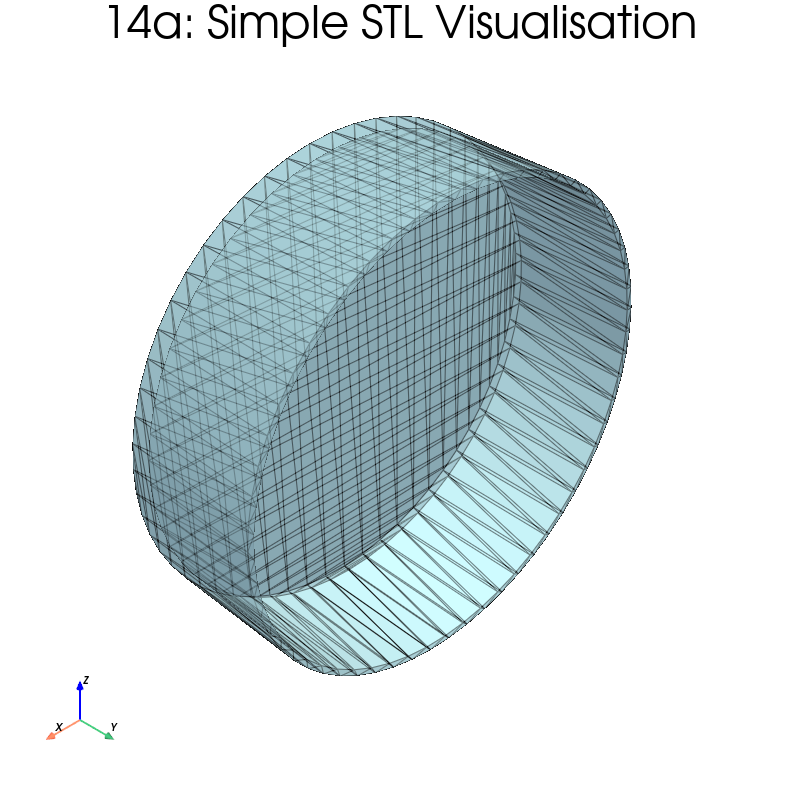
Shows how to load and visualise STL files (experimental setup components)
using load_mesh_from_stl and add_stl_mesh. Five sub-examples cover
progressively more advanced operations.
What you will learn
- Loading STL files into PyVista meshes
- Applying geometric transforms (scale, translation, rotation)
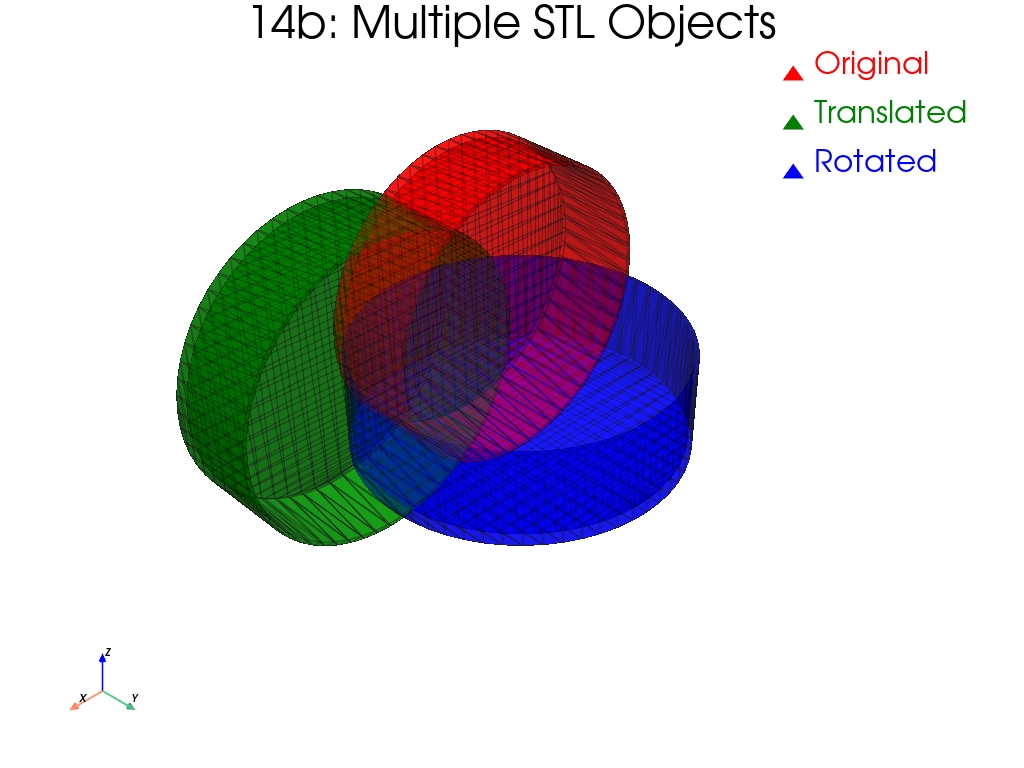
- Combining multiple STL objects in one scene
- Inspecting mesh properties (bounds, volume, surface area)
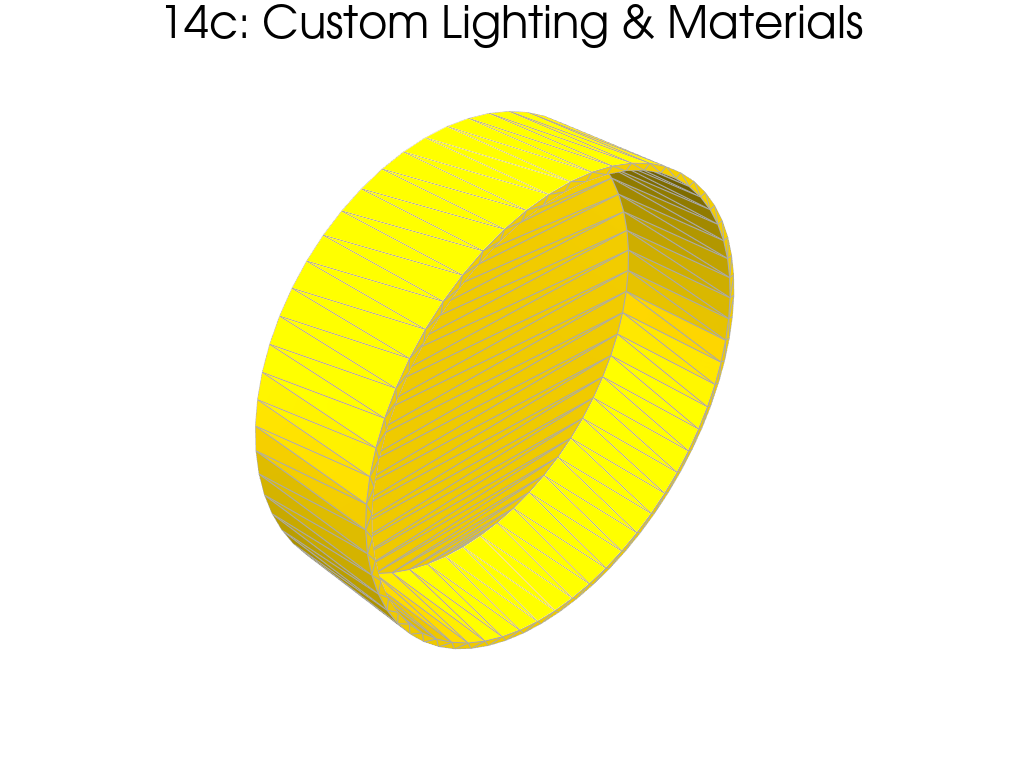
- Customising rendering with lighting and materials
Sub-examples
| Step | Description |
|---|---|
| 8a | Simple STL visualisation |
| 8b | Transformations (scale 2x, translate, rotate 45 deg) |
| 8c | Multiple STL objects in one scene |
| 8d | Mesh analysis + solid vs wireframe rendering |
| 8e | Custom lighting and material properties |
Prerequisites
Place the Petri_dish.stl file in the examples/ folder.
Output